
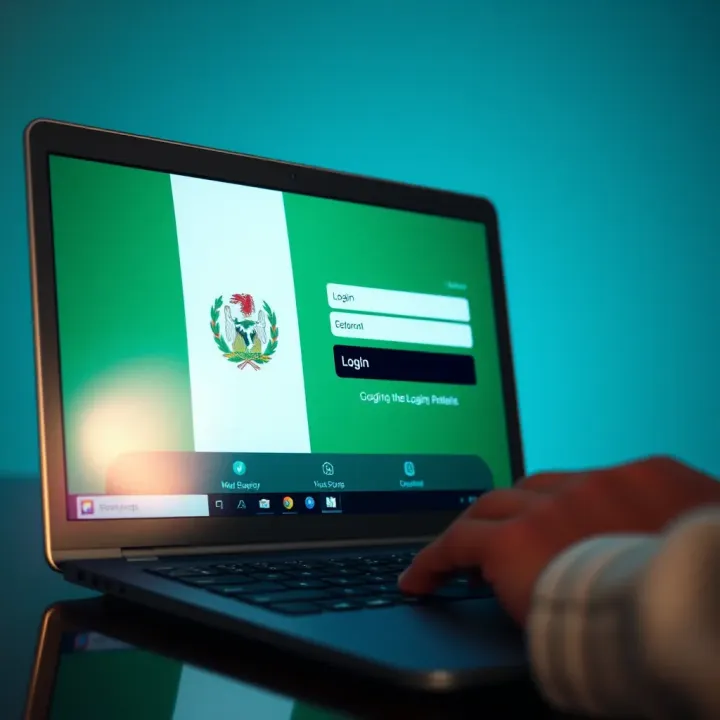
How to Login to MSport in Nigeria: A Simple Guide
Learn how to access MSport for sports betting & entertainment in Nigeria 🇳🇬. Get easy login tips, secure your account & enjoy a smooth experience every time 🏆
Edited By
Sophie Ellsworth
Online sports betting has become a popular pastime in Nigeria, with platforms like mSport Lite leading the way for a simple yet thrilling experience. Whether you are new to online betting or switching platforms, understanding how to sign up and log in securely to mSport Lite is essential for smooth navigation and protecting your funds.
This guide offers practical, clear steps to get you started without the usual confusion. From the first few clicks to accessing your account safely, you'll find all the necessary details explained plainly, including common hurdles and how to avoid them.

Remember: Ensuring your account security and complying with Nigeria's online betting regulations enhances your overall betting experience.
The step-by-step instructions presented here will focus specifically on Nigerian users, reflecting the local requirements like the need for a valid Bank Verification Number (BVN) and compliance with National Lottery Regulatory Commission rules. You'll also see where to find support if you encounter login troubles.
Buckle up as we break down the process into manageable parts, helping you get straight to placing informed bets on your favourite sports without stress or delays.
mSport Lite has carved a significant place in Nigeria’s online sports betting scene, mainly because it offers a streamlined and accessible experience tailored to Nigerian users. Before diving into the sign-up and login steps, it's essential to understand what makes this platform stand out and why many Nigerian bettors trust and prefer it.
At its core, mSport Lite is a sports betting platform designed for simplicity and speed. Unlike bulkier apps or websites, its 'Lite' version consumes less data and loads faster, which is crucial given Nigeria’s varying internet speeds and costly data plans. It covers a wide range of popular sports, including football—the most favoured in Nigeria—with options from local leagues like the NPFL to international leagues such as the English Premier League and La Liga.
The platform supports easy navigation on smartphones, tablets, and desktop devices, ensuring that users can place bets whether they’re commuting in a danfo or relaxing at home. Practical features include live betting options and access to statistics, which help users make informed decisions quickly.
Beyond speed and convenience, mSport Lite appeals to Nigerian bettors for several reasons: affordability, local focus, and user security. With betting stakes adjusted to suit the average Nigerian bettor, you don’t have to break the bank to participate. The site supports payment methods popular locally, such as using bank transfers through Nigerian banks or mobile money platforms like OPay and PalmPay.
Security is another top concern that mSport Lite addresses through encrypted transactions and strict account verification processes, which helps keep Nigerian bettors' funds and information safe. Additionally, the platform aligns with Nigeria’s regulatory environment for online betting, offering compliance and transparency.
For any bettor in Nigeria, especially those who want a no-fuss app that doesn’t gulp data, mSport Lite is worth serious consideration.
In short, understanding these aspects of mSport Lite helps set the stage for navigating its registration and login processes confidently. It’s not only about accessing a betting platform; it's engaging with a service that meets local needs practically and responsibly.
Understanding the steps to sign up for mSport Lite is essential for anyone looking to engage safely and effectively in online sports betting Nigeria. This process not only grants access to a popular platform but also ensures compliance with Nigerian regulations and safeguards personal information. When you register properly, you avoid common pitfalls like account suspension or fraud, which are serious concerns in the local betting scene.
Nigerian law requires betting platforms like mSport Lite to verify that users are at least 18 years old. This is to protect younger individuals from gambling-related harms. During the registration, you will be asked to submit a valid identity document such as your National Identification Number (NIN), passport, or driver’s licence. This step helps mSport Lite confirm your age and identity, blocking underaged users from signing up.
Offering clear evidence also helps prevent identity theft — a growing issue online — by linking each account to a real person. For example, a bettor must often upload a clear photo or provide BVN details for further verification.
mSport Lite requires you to provide basic personal details. These typically include your full name, email address, phone number, date of birth, and sometimes your residential address. This data is crucial for account security, communication, and ensuring winnings and transactions are correctly processed.
Providing accurate information avoids delays when withdrawing winnings or resolving disputes. For instance, if you enter a wrong phone number, you might miss verification codes sent via SMS, hindering further account access.
Since mSport Lite operates as both a website and a mobile app, a stable internet connection is a must. Whether you use a smartphone, tablet, or laptop, your device must meet the basic compatibility requirements. Most modern Android and iOS phones support the app, but older devices may struggle with performance or app installation.
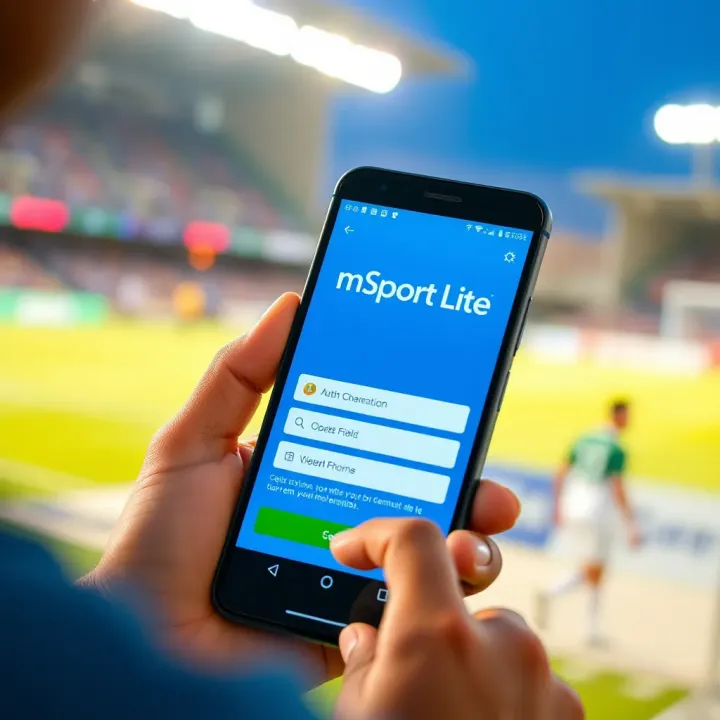
Also, be mindful of internet costs in Nigeria; data-heavy apps can drain your bundle quickly, especially during live betting. Slow connections may cause registration failures or delays, so it’s advisable to use reliable Wi-Fi or 4G/5G networks.
Start by visiting the official mSport Lite website through your browser or downloading the official app from trusted sources such as the Google Play Store or Apple App Store. Avoid third-party websites to reduce the risk of scams or fake apps. The official platform is regularly updated to ensure security and smooth user experience.
Accessing the correct site also protects you from phishing attempts, which have become common in Nigerian online betting. Always double-check the URL and app developer name.
Once on the platform, locate the ‘Sign Up’ or ‘Register’ button to open the registration form. Here, you will enter your personal information, create a username, and set a secure password. Use a password mixing letters, numbers, and symbols for strength.
Some versions of the form may ask about your preferred currency or betting limits. Be truthful and precise to tailor your account correctly. Mistakes here can lead to complications during transactions.
After submitting your details, mSport Lite typically sends a confirmation code to your provided email or mobile number. Enter this code promptly to activate your account. If you don’t receive it within a few minutes, check spam or junk folders for emails, or resend the code on the platform.
This verification step prevents fake accounts and ensures you have control over the contact details tied to your profile. It also keeps your account safe from unauthorised access.
Careful completion of these steps ensures your mSport Lite account is valid, secure, and ready for smooth betting experiences in Nigeria. Taking shortcuts or providing false information may lead to account suspension or loss of funds.
Overall, following this clear set of steps tailored for Nigerian users makes joining mSport Lite hassle-free and secure, allowing you to focus on enjoying your favourite sports betting activities.
Logging into your mSport Lite account is the key to enjoying seamless sports betting activities and keeping track of your wagers and winnings. In Nigeria, where mobile internet is widespread but not always stable, understanding straightforward login processes on both the website and mobile app ensures you don't miss out when placing bets or checking odds.
To log in on the mSport Lite website, start by navigating to the official platform using a reliable browser like Google Chrome or Mozilla Firefox. Enter your username or registered email address along with your secure password in the login fields clearly displayed on the homepage.
Make sure your internet connection is steady to avoid timeout errors common in Nigerian settings where network fluctuations happen often. For example, if you are in Lagos downtown with decent 4G coverage, logging in should be quick and smooth. After typing your details, click the login button to access your dashboard.
If you find your password or username forgotten, use the "Forgot Password" feature, which will send reset instructions via your registered email or phone number. This method is particularly handy for bettors who maintain multiple accounts or frequently change passwords for security reasons.
Many Nigerian bettors prefer the mSport Lite mobile app over the website for its convenience and speed on the go. To log in, launch the app on your smartphone—be it Android or iOS—and enter the same credentials you used during registration.
Since mobile data costs can add up, the app is optimised to consume less bandwidth, which is a blessing in locations where data bundles are expensive. For instance, if you're on a motorbike (okada) rushing through traffic in Abuja, the app makes it easier to check live odds without delay.
Additionally, the app often saves your login details securely after the first access, reducing the need to enter credentials each time and helping you avoid login delays during peak periods, such as crucial football matches or ember months betting rush.
Remember: Always log out from the app or website when using public devices or shared networks to safeguard your account against unauthorised access.
Both the website and app maintain similar security measures, but opting for the mobile app can enhance your betting experience through notifications and quick access. Still, a stable internet connection and careful handling of login credentials are the pillars of safe and efficient use.
In summary, knowing how to log in correctly on either platform will ensure you can place your bets quickly, track your activities, and gain maximum advantage from mSport Lite's offerings in Nigeria.
Navigating an online sports betting platform like mSport Lite can sometimes hit snags, especially during login or registration. Knowing the common issues and their fixes saves you stress and downtime, meaning you stay in the game without unnecessary delays. This is particularly true in Nigeria, where spotty internet and tech challenges are part of the everyday hustle. Addressing troubles promptly helps keep your betting activities smooth and your funds safe.
Resetting Password via Email or Mobile
Forgetting your password or username isn't unusual, especially if you don’t access your account regularly. mSport Lite offers a straightforward reset option that relies on your registered email or mobile number. Once you initiate the password reset, the platform sends a link or code to your email or phone, allowing you to create a new password safely. This method is secure and fast — for instance, if your phone is on hand, you should have access to your account in minutes.
It's wise to keep your email and phone details up to date on mSport Lite. If you switch numbers or change email addresses without updating your profile, resetting your password might become difficult. So, checking your profile info now and then saves headaches.
Contacting Customer Support
Sometimes, resetting your password or recovering your username doesn’t work. Problems like email delays, security locks, or forgotten linked details can make it tricky. In such cases, reaching out to mSport Lite’s customer support is the sensible step. Nigerian users can expect support channels such as chat, email, or phone assistance tailored to local users’ schedules and concerns.
Customer service agents can verify your identity and help recover your account manually. Keep handy any personal info you provided during registration, such as your BVN or transaction history, so support can quickly confirm it’s your account. This saves time and ensures a safer process.
Clearing Cache and Updating App
If you find mSport Lite loading slowly, freezing, or crashing on your phone, the issue might be with app data piling up or running an outdated version. Clearing the cache (temporary app files stored on your device) can fix performance hiccups by removing corrupt or outdated data. On Android or iOS phones, this is usually done through the settings or app manager.
Also, make sure your mSport Lite app is updated to the latest version. Developers frequently release updates to patch bugs and improve compatibility, particularly for Nigerian mobile networks or new OS versions. Ignoring updates often leads to unexpected crashes or missing features.
Checking Internet Connectivity
Poor or unstable internet connection is a common cause of mSport Lite failing to load properly or log you in. Nigerian networks vary widely, and heavy traffic during ember months or major sports events can cause slowdowns. Try switching between mobile data and Wi-Fi, or move to a location with better signal strength.
You can also run simple speed tests on your phone to check if your internet speed meets minimum requirements for smooth app operation (typically 2 Mbps or better). If your connection consistently falters, topping up your data plan with providers like MTN, Glo, Airtel, or 9mobile might be necessary.
Keeping your app updated and making sure your internet connection is steady are often quick fixes for common technical troubles on mSport Lite. Staying proactive on these fronts helps you avoid losing out on bets during key matches.
By understanding these common issues and how to solve them, mSport Lite users in Nigeria can maintain uninterrupted access to their betting accounts, ensuring their experience is both enjoyable and secure.
Managing your mSport Lite account safely is essential to protect your funds and personal information from threats like hacking or fraud. With the rise of online sports betting in Nigeria, scammers have also grown more cunning. Taking practical steps to secure your account means you can focus on enjoying the platform without worrying about unauthorised access or losing your winnings.
A strong password is your first line of defence against unauthorised logins. Avoid simple combinations like “123456” or “password” that are easy to guess. Instead, use a mix of uppercase and lowercase letters, numbers, and symbols. For example, passwords like “MSp0rtLite#N!G2024” are tougher to crack and less likely to be compromised.
It's also wise to change your password regularly, especially if you suspect your details might have been leaked elsewhere. Many Nigerian users fall victim when they reuse passwords across multiple sites or share their credentials with others — a practice to avoid at all cost.
Two-factor authentication (2FA) adds a second verification step during login, often through a code sent to your phone or email. This means even if someone guesses or steals your password, they will still need the second factor to access your account.
For example, mSport Lite supports 2FA via SMS or an authenticator app, making it harder for attackers to sneak in unnoticed. Enabling this feature is a small step that greatly improves your account's security. It also gives you peace of mind knowing your betting funds and personal data are better protected.
Being responsible with your bets goes hand in hand with account safety. Set clear limits on how much you stake per day or week to avoid losses that can destabilise your finances. It helps to use the budgeting or self-exclusion features generally available on platforms like mSport Lite.
Remember, betting should stay fun, not a financial burden. Avoid chasing losses or sharing your account details with friends, even if they promise quick wins. Staying disciplined prevents not only financial harm but also reduces the risk that others might misuse your account.
Managing your mSport Lite account carefully ensures you enjoy the thrills of sports betting with minimal risk. Simple safeguards like strong passwords and 2FA can save you from many headaches.
By applying these tips, you safeguard your money and personal details while keeping your betting experience stress-free and enjoyable.
Learn how to access MSport for sports betting & entertainment in Nigeria 🇳🇬. Get easy login tips, secure your account & enjoy a smooth experience every time 🏆
Discover how to claim your mSport bonus step-by-step 🎯, understand eligibility, and avoid common issues. Boost your betting gains in Nigeria now ₦!
⚽ Want to follow MSport results like a true Naija fan? Learn how to check football and more, interpret scores, and get updates for betting and fantasy leagues fast!

🖥️ Need to register for MSport online in Nigeria? Follow our clear guide for requirements, step-by-step process, and tips to avoid common challenges. Get registered smoothly!
Based on 13 reviews